UGO: recurring social and website content
Consider UGO if the same team needs social posts, blogs and service-area content on a cadence. You supply your business facts and approve the work.

UGO COMPARISONS
Start with the work you can’t keep up with, not the longest feature list. Here are five tools to consider for design, social publishing, email and recurring content, with tradeoffs for each.
Start free with UGO →
Consider UGO if the same team needs social posts, blogs and service-area content on a cadence. You supply your business facts and approve the work.
Use Canva when you want templates and control over the finished design. Its planner supports social scheduling; your team still owns the editorial program.
Consider Buffer if you need simpler organization around social posts and AI drafting help rather than a broader website content workflow.
Consider Mailchimp if newsletters and email automations are the bottleneck. The comparison is about email work, not whether you also need a social publisher.
Consider Blaze when social, blogs and newsletters need to work together. Verify destinations and what your plan supports.
| If you need | Start by looking at | Verify before choosing |
|---|---|---|
| Custom graphics | Canva | How much design work your team will do each week. |
| Recurring posts, blogs and local pages | UGO | Supported accounts and website destinations, plan limits and who reviews each draft. |
| A clearer social queue | Buffer | How scheduling and approvals fit the person managing social. |
| Email campaigns and automation | Mailchimp | Your audience data, permissions and automation requirements. |
| Social, blog and newsletter content | Blaze Autopilot | Whether its publishing destinations and output match your mix. |
Take one campaign and write down the business goal, three channels, the person who owns approval and the time they can spend each week. Only shortlist tools that cover the actual bottleneck. See UGO vs Blaze and UGO vs Social Foreman for roofers for more specific decisions.
First-party product evidence
These are actual screens from a Boss Up Solutions account, cropped for readability. They show UGO’s interface, not a side-by-side performance test. Descriptions of the other tools are based on their public documentation.
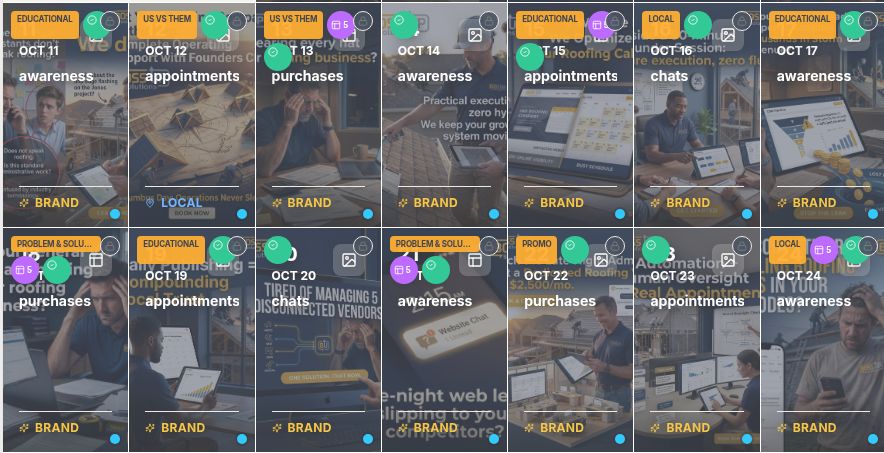
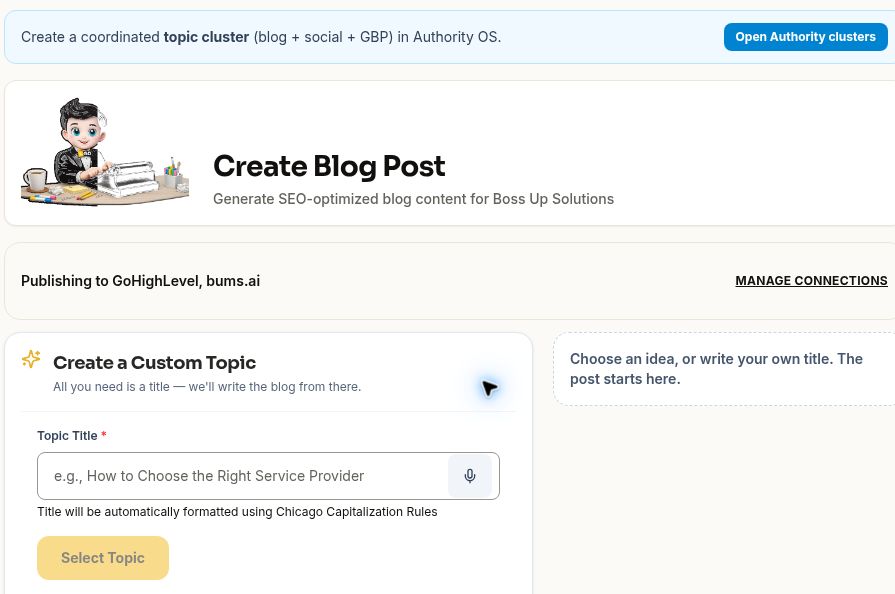
See all four UGO product screens. Features and limits vary by plan; publishing requires supported connections and completed settings.
Bring your business details and a few real examples. Set your direction and review what UGO prepares.
Start free with UGO →